


Style guide
You are here: Style guide · Power user
Next: Contributing
One visual system, so a page added in six months still looks like it belongs.
| Path | Power user |
| Time | About 10 minutes |
| You need | Contributing |
Name and mark
The name in prose is agentsphere, one word. The wordmark is Agentsphere: Agent in navy on a light page and white on a dark page, sphere in orange. The mark is the owner's artwork: a white robot head, dark visor, orange eyes, an orange antenna, and circuit traces, on an orange disc. Light pages use the navy crescent. Dark pages use the white crescent, and sphere keeps its orange glow. The files are that artwork, cropped, with the page color removed. Do not redraw them.
| File | Role |
|---|---|
| logo-dark.png, logo-light.png | App-icon mark, 640×640. Transparent outside the disc |
| banner-dark.png, banner-light.png | Masthead. Light is 1600×542, dark is 1600×546. Transparent |
| social-preview.png | Share image, 1280×640. Dark page color, the mark, and the four levels |
| badges/ | README pills, and the four level marks: Explorer, Builder, Operator, Power user |
| assets/sections/ | Section openers, 1660×376. The mark on the right is the same circle. Light and dark pair |
| assets/diagrams/ | Architecture figures, 830 wide. Light and dark pair |



The README chooses the light or dark masthead with a <picture> element and prefers-color-scheme. The accessible name of the image is Agentsphere. AI agents repository. The icon is transparent outside the disc. The tagline AI AGENTS REPOSITORY sits between two thin orange rules.
Palette
| Token | Hex | Role |
|---|---|---|
| Navy | #10243F |
Crescent, visor, structure, light-theme dots |
| Orange | #F5A31A |
Disc, antenna, eyes, wordmark, rules |
| Deep orange | #C96E00 |
Second accent on a light figure |
| Cream | #FFE0B0 |
Second accent on a dark figure |
| Ink | #1F2328 |
Primary text on the light figure |
| Graphite | #424A53 |
Secondary text on the light figure |
| Paper text | #E6EDF3 |
Primary text on the dark figure |
| Mist | #C9D1D9 |
Secondary text on the dark figure |
| Hairline | #D0D7DE / #30363D |
Rules on light / dark figures |
The masthead, section openers, and diagrams have a transparent background. GitHub’s page shows through: #ffffff in light theme, #0d1117 in dark theme. Do not paint a dark panel behind the type. Orange is for marks, dots, and the word sphere, not for a paragraph on white. Each figure ships two files, and the page chooses with <picture>.
Diagram anatomy
Every architecture SVG shares:
- A viewBox 830 wide, so a font size is the size GitHub shows in a README column
- A title at 36px, item names at 28px, gloss at 18px, and nothing under 16px
- Few words on each line. A name and one gloss, not a paragraph
- A short accent bar or a colored dot, not a filled card
- A transparent canvas. No full-bleed rectangle
- A light file (
-light.svg) and a dark file (-dark.svg)
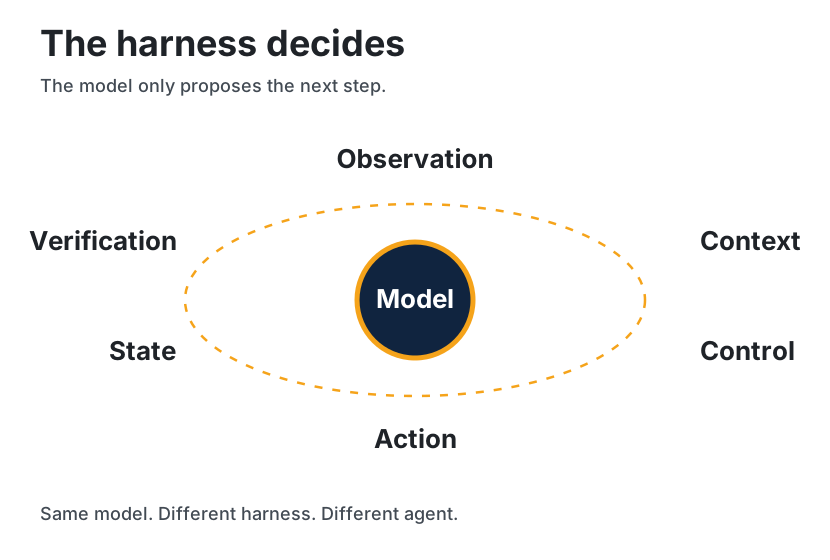
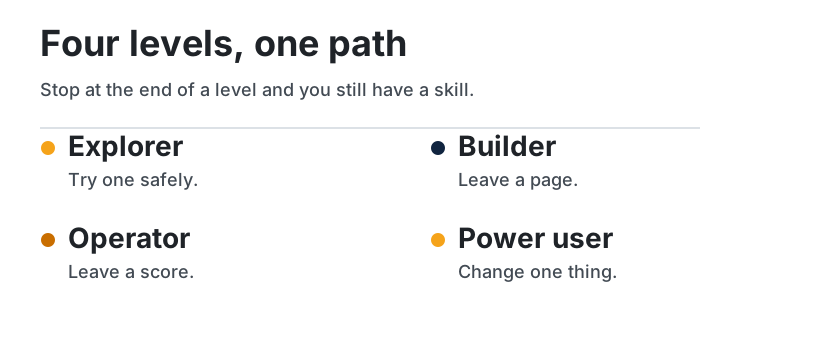
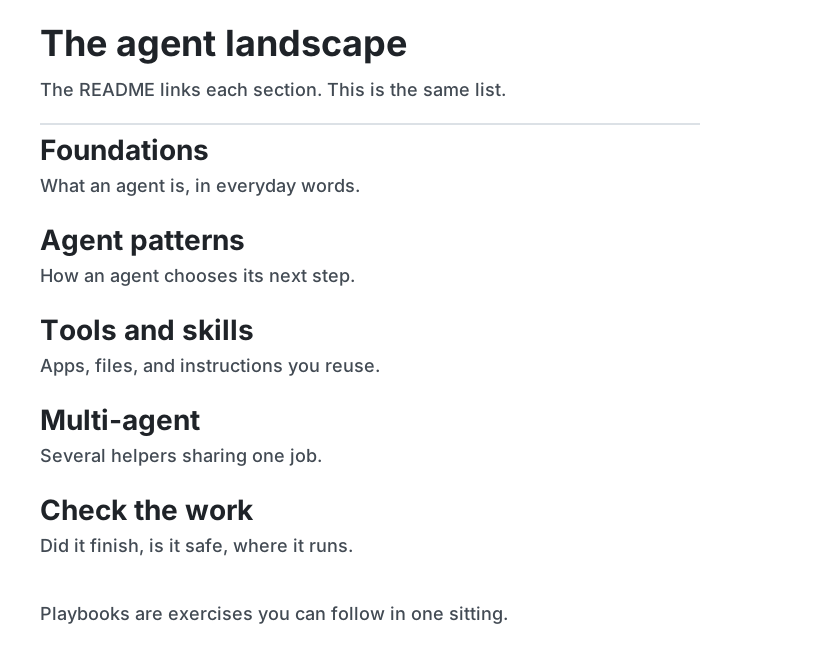
Architecture figures are drawn twice: an SVG pair and a Mermaid block on the same page. Three overview figures are SVG only, because they are maps rather than a second copy of a lesson: harness-hero-light.svg, journey-map-light.svg, and landscape-light.svg. Pairs live in the diagram atlas. If you change the words in a paired SVG, change the Mermaid block on the same day.
Page anatomy
- Section or diagram image, centered,
width="100%", with alt text, inside<picture>so the dark file loads whenprefers-color-scheme: dark. Theimgfallback is the light file. - Level badges for every path named in the meta table, from assets/badges/. Each badge links to its guide: Explorer, Builder, Operator, or Power user.
- One H1.
- A three-row meta table: path, time, prerequisites.
- "What you will be able to do."
- The teaching, with claim callouts.
- "Check yourself."
- "Sources."
- "Continue," then the footer links.
Callouts use GitHub alerts:
> [!NOTE]
> **Per post.** …

> [!TIP]
> **Established.** …

> [!WARNING]
> **Check this before you route traffic or install it.** …
Voice
Plain sentences. Define a term the first time a page uses it, even if the glossary also defines it. Put numbers in tables with a status column. Leave a post's jokes in the post. Write the page as a field guide.
GitHub rendering
- Mermaid fences are not indented.
- Node labels with
/,:, or()are quoted. - SVG uses presentation attributes, system sans-serif, and no scripts, external images, or
foreignObject. - Diagram and masthead text is at least 16px inside an 830-wide viewBox. Raster a new figure at 830px wide on white and on
#0d1117before you call it done. - Internal links are relative. From
docs/00-foundations/a-page.md, assets are../../assets/...and the references page is../references.md.
Check yourself
- Which file is the hero, and which file is the mark?
- What has to be updated together when a routing diagram changes?
- Why does each diagram ship a light file and a dark file?
Continue
Map | Paths | Glossary | References